

Description
I built this spreadsheet because I was tired of running out of money before my next paycheck. If that sounds familiar, this planner is for you.
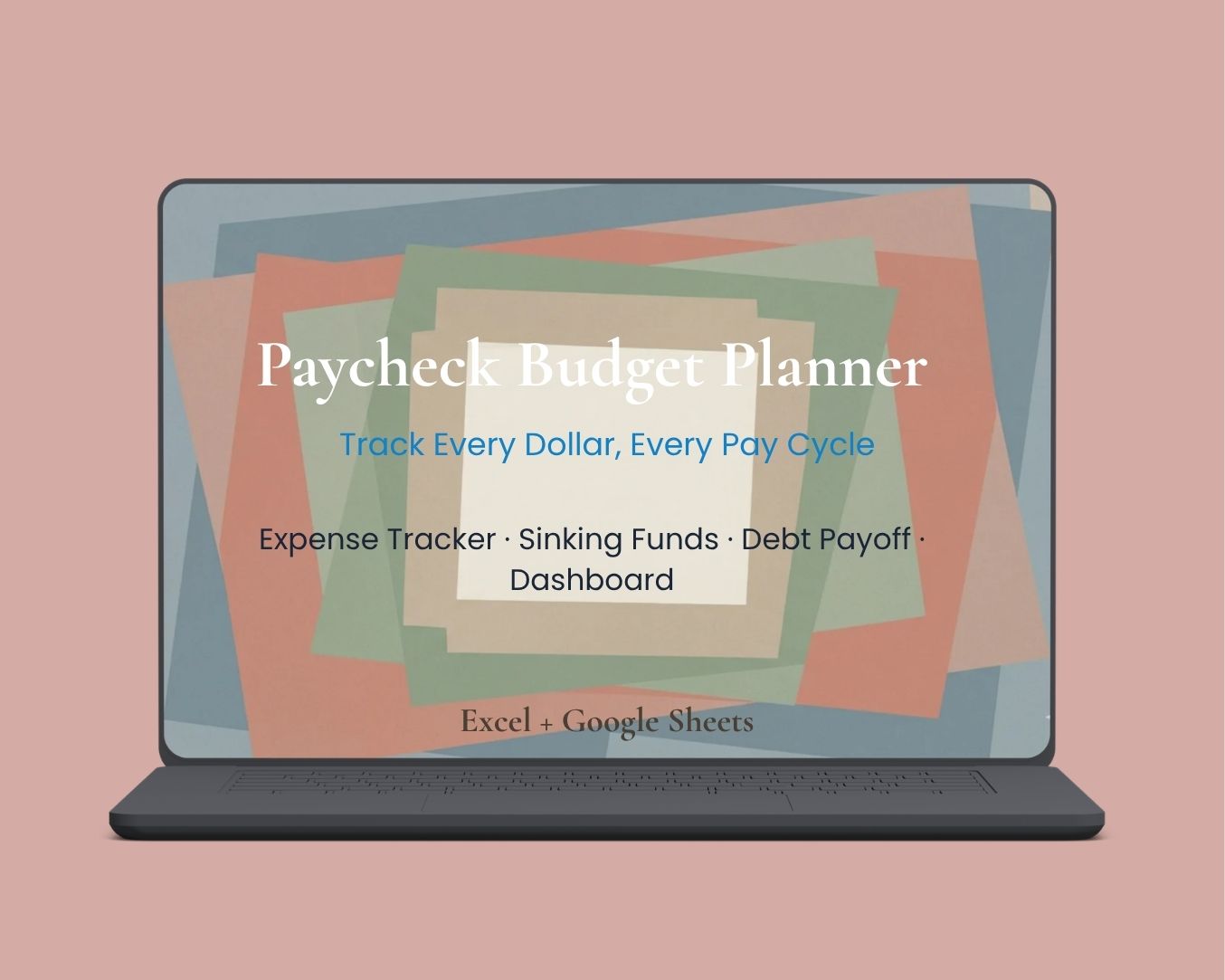
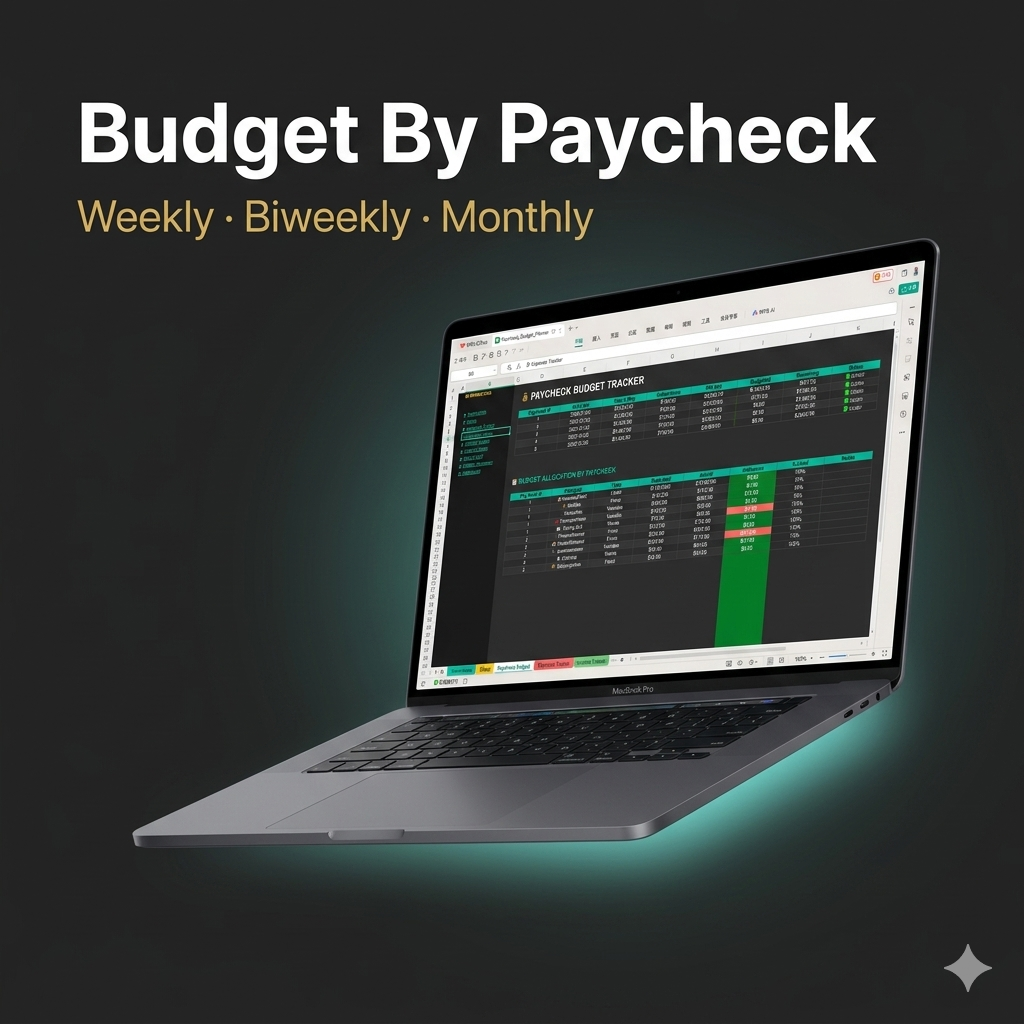
Tired of wondering where your money went? This Paycheck Budget Planner is designed to help you allocate every dollar the moment you get paid — whether you’re paid weekly, biweekly, or monthly.
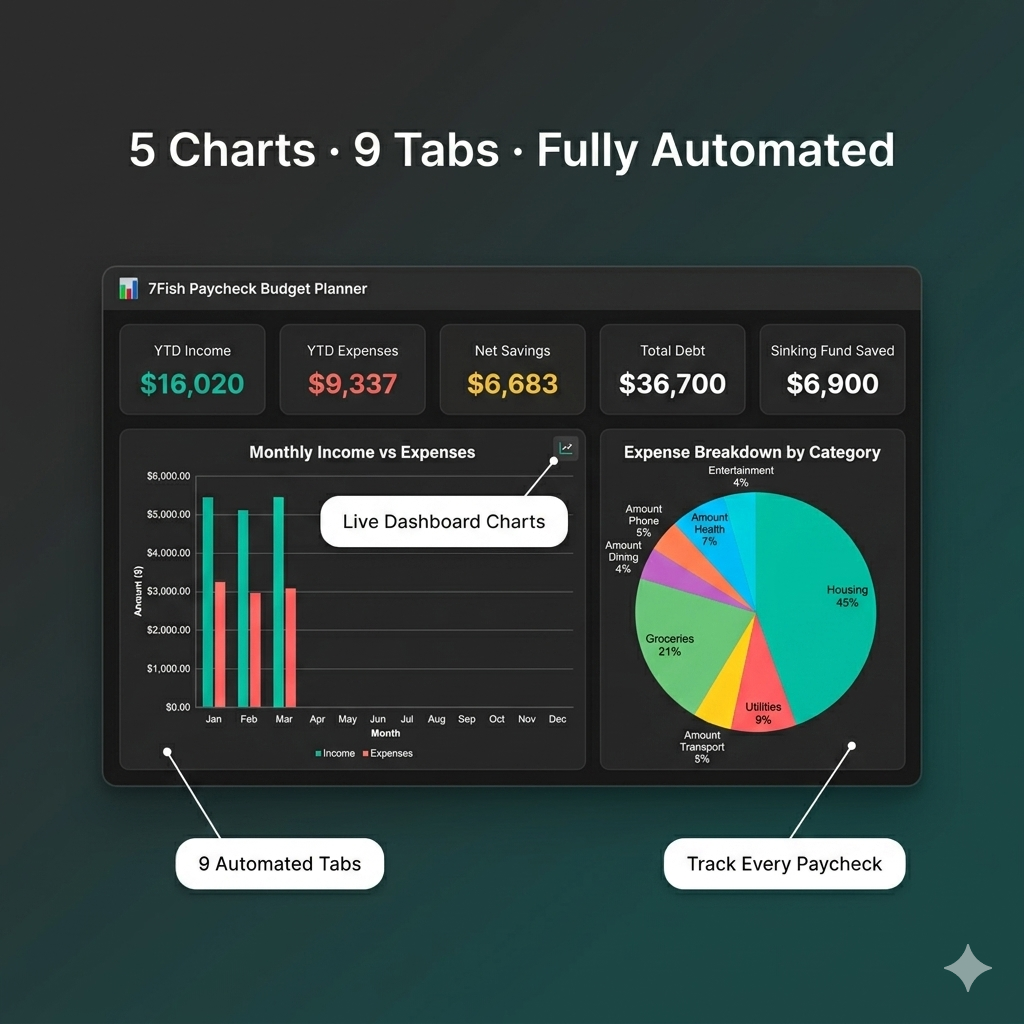
Built in sleek dark mode with automatic calculations, 5 interactive charts, and a complete financial dashboard, this isn’t just a spreadsheet — it’s your personal finance command center.
✅ What’s Included in This Paycheck Budget Planner
|
Tab |
What It Does |
|
📋 Instructions |
Step-by-step setup guide to get started in minutes |
|
⚙️ Setup |
Configure pay frequency, currency, categories & payment methods |
|
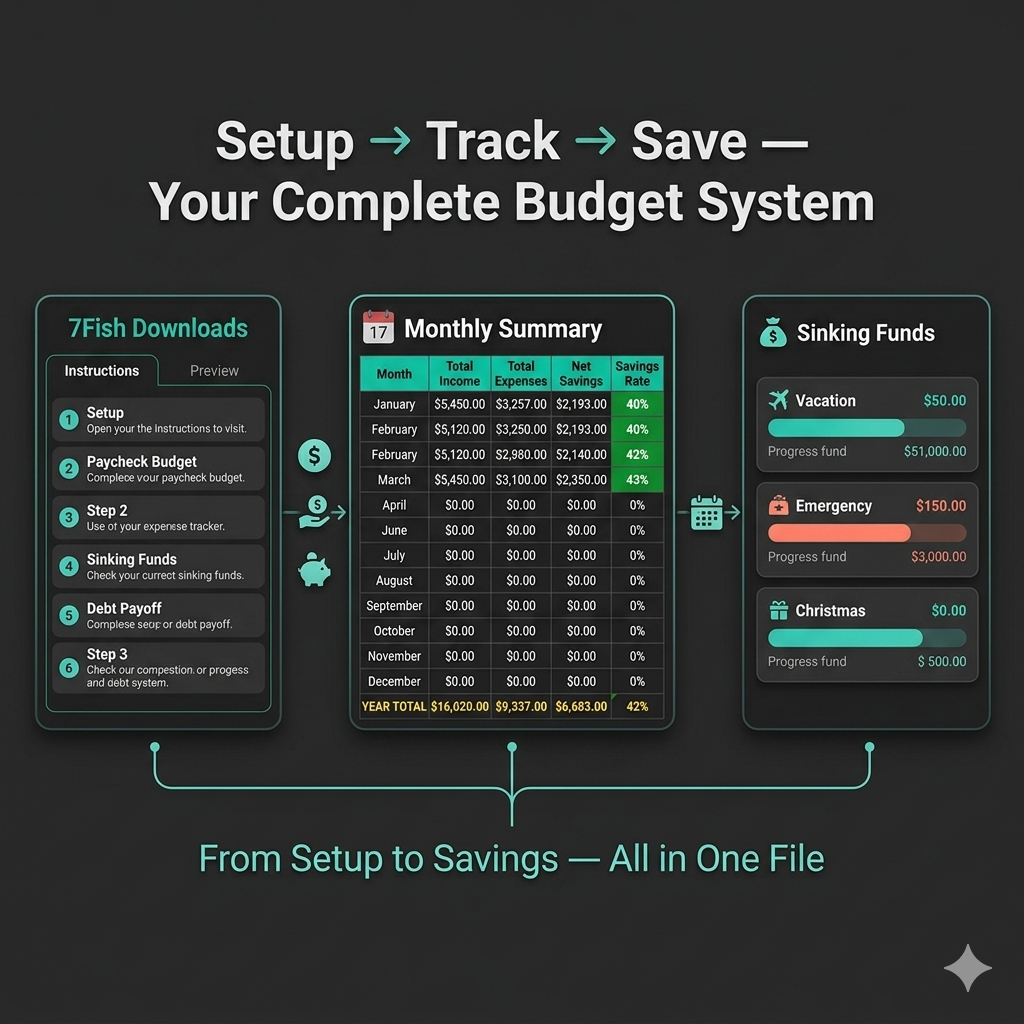
💰 Paycheck Budget |
Allocate each paycheck to Bills, Needs, Wants & Savings — auto-tracks remaining balance |
|
📒 Expense Tracker |
Log every transaction with category dropdowns, payment methods & daily averages |
|
💵 Income Tracker |
Record all income sources — salary, freelance, side hustles — with YTD totals |
|
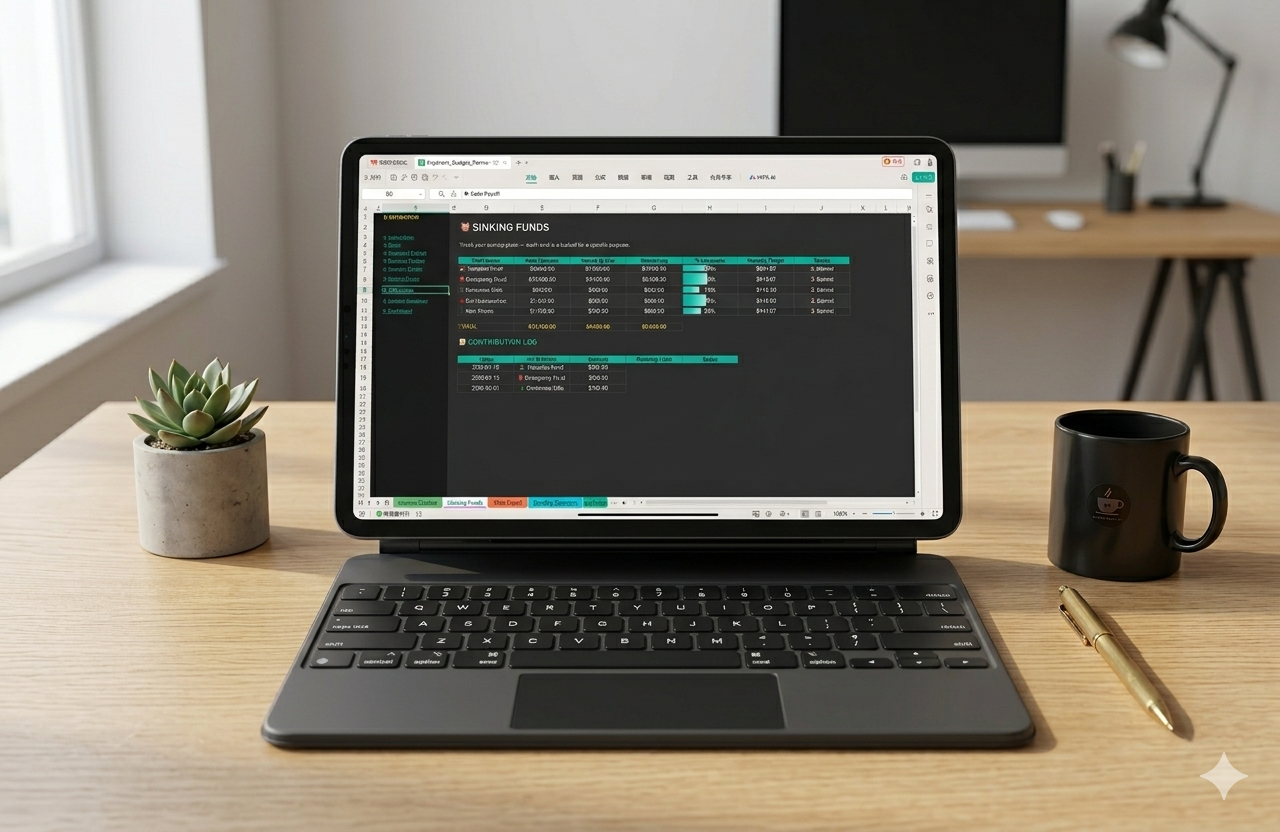
🐷 Sinking Funds |
Set savings goals, track contributions & watch progress bars fill up |
|
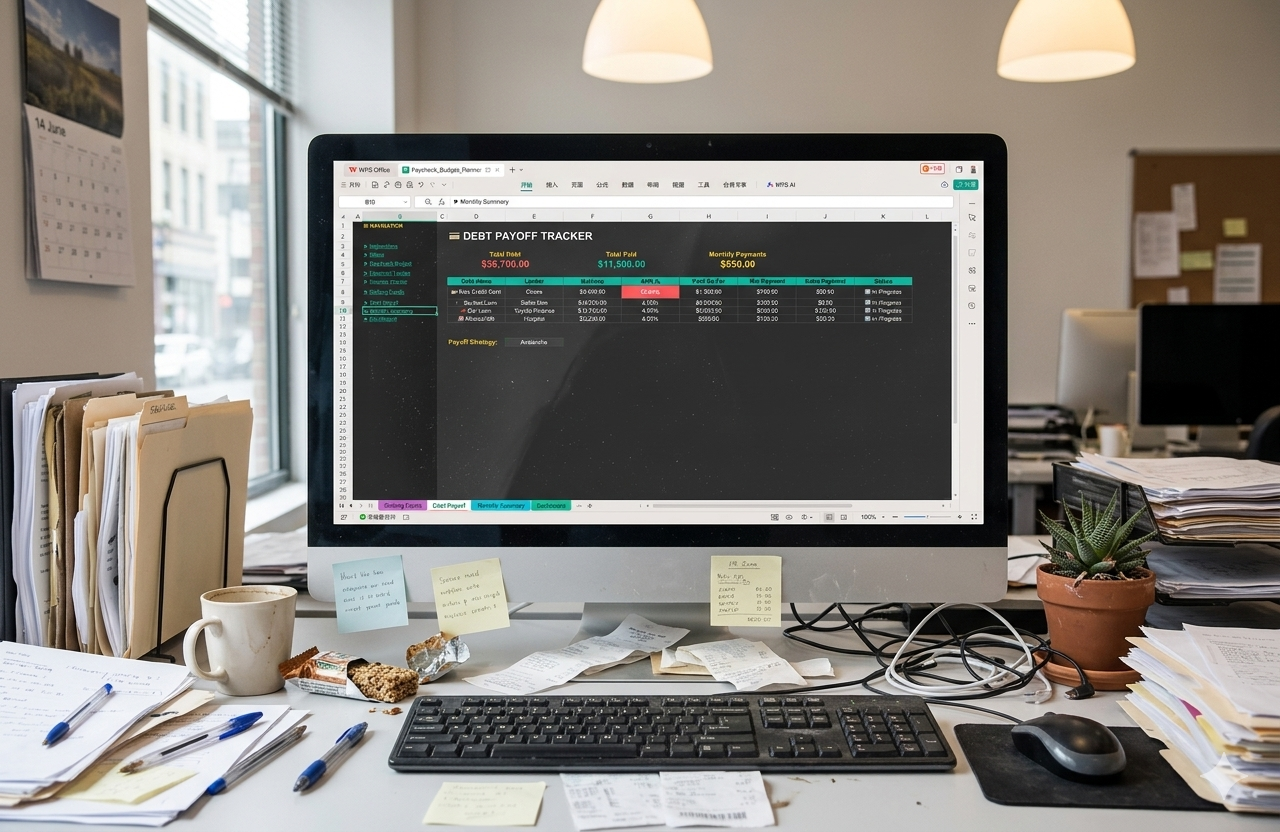
💳 Debt Payoff |
Enter all debts with APR, choose Snowball or Avalanche payoff strategy |
|
📅 Monthly Summary |
Auto-aggregated 12-month view of income vs. expenses vs. savings |
|
📊 Dashboard |
5 KPI cards + 5 charts — your complete financial picture at a glance |
🎯 Key Features
- Budget by paycheck — works for weekly, biweekly, semi-monthly, or monthly pay cycles
- Dark mode design — easy on the eyes, beautiful on every screen
- Fully automated — formulas calculate Net Pay, Remaining Budget, Savings Rate, Debt Status & more
- 5 interactive charts — Income vs Expenses, Spending Breakdown, Savings Progress, Debt Overview, Net Savings Trend
- Smart dropdowns — 8 data validation menus for categories, payment methods, frequencies & strategies
- Conditional formatting — over-budget items highlight in red, on-track items glow green
- Tab navigation sidebar — clickable links on every tab to jump between sections instantly
- Multi-currency support — switch currency with one click ($, €, £, ¥, ₹ and more)
- Sample data included — see how everything works before entering your own numbers
- Works in Excel & Google Sheets — compatible with Office 365, Google Sheets, and WPS Office
📦 What You’ll Receive
After purchase, you’ll get an instant digital download containing:
- ✅ .xlsx spreadsheet file (Excel & Google Sheets compatible)
- ✅ PDF User Guide with step-by-step instructions
- ✅ Dark mode design — ready to use, no extra setup
💡 Who Is This For?
This budget planner is perfect for:
- Anyone who gets paid on a regular cycle and wants to budget per paycheck
- Beginners who want a simple, guided spreadsheet — not a complicated app
- Anyone who’s tried budgeting before but couldn’t stick with it
- Side hustlers and freelancers juggling multiple income streams
- Couples or individuals working toward a savings goal or debt payoff plan
- Dark mode fans who want their spreadsheet to look as good as it works
🔒 Important Notes
- Digital download only — no physical product will be shipped
- Personal use license — redistribution or resale is not permitted
- Mac users — we recommend Google Sheets for the best experience
- Mobile — works on Google Sheets and Excel mobile apps, but desktop is recommended for charts and dropdowns
- For any questions, reach out to us at contact@7fish.org
⭐ Start Taking Control of Your Money Today
Don’t wait for “next month” to start budgeting. Every paycheck is a fresh opportunity. Download the Paycheck Budget Planner now and finally see where your money goes — and where it should go.
❓Frequently Asked Questions
Q:Is this Paycheck Budget Planner compatible with Google Sheets?
A:Yes! This Paycheck Budget Planner works in both Microsoft Excel
(Office 365) and Google Sheets. Simply upload the .xlsx file to
Google Drive and open it with Google Sheets.
Q:Can I use this Paycheck Budget Planner with weekly or monthly pay?
A:Absolutely. The Setup tab lets you choose Weekly, Biweekly,
Semi-Monthly, or Monthly pay frequency. The spreadsheet adapts
to your pay cycle automatically.
Q:Is this a one-time purchase?
A:Yes. Pay once, download instantly, and use your Paycheck Budget
Planner forever. No subscriptions, no hidden fees. For support,
email us at contact@7fish.org.
Q:Does the Paycheck Budget Planner work on mobile?
A:Google Sheets and Excel mobile apps can open the file. For the
best experience with charts and dropdowns, we recommend using
a desktop or laptop computer.

Reviews
There are no reviews yet.