Description
📖 Bible Reading Tracker — Your 52-Week Companion Through Scripture
Read the entire Bible in one year with this beautifully designed Google Sheets spreadsheet. Track every chapter, reflect on what you read, and watch your progress come alive on an automated dashboard.
Whether you’re starting your first read-through or returning for another year, this tracker keeps you organized, motivated, and rooted in the Word.
━━━━━━━━━━━━━━━━━━━━━━━━
✦ WHAT’S INCLUDED
You’ll receive an instant-download .xlsx file with 7 purpose-built tabs:
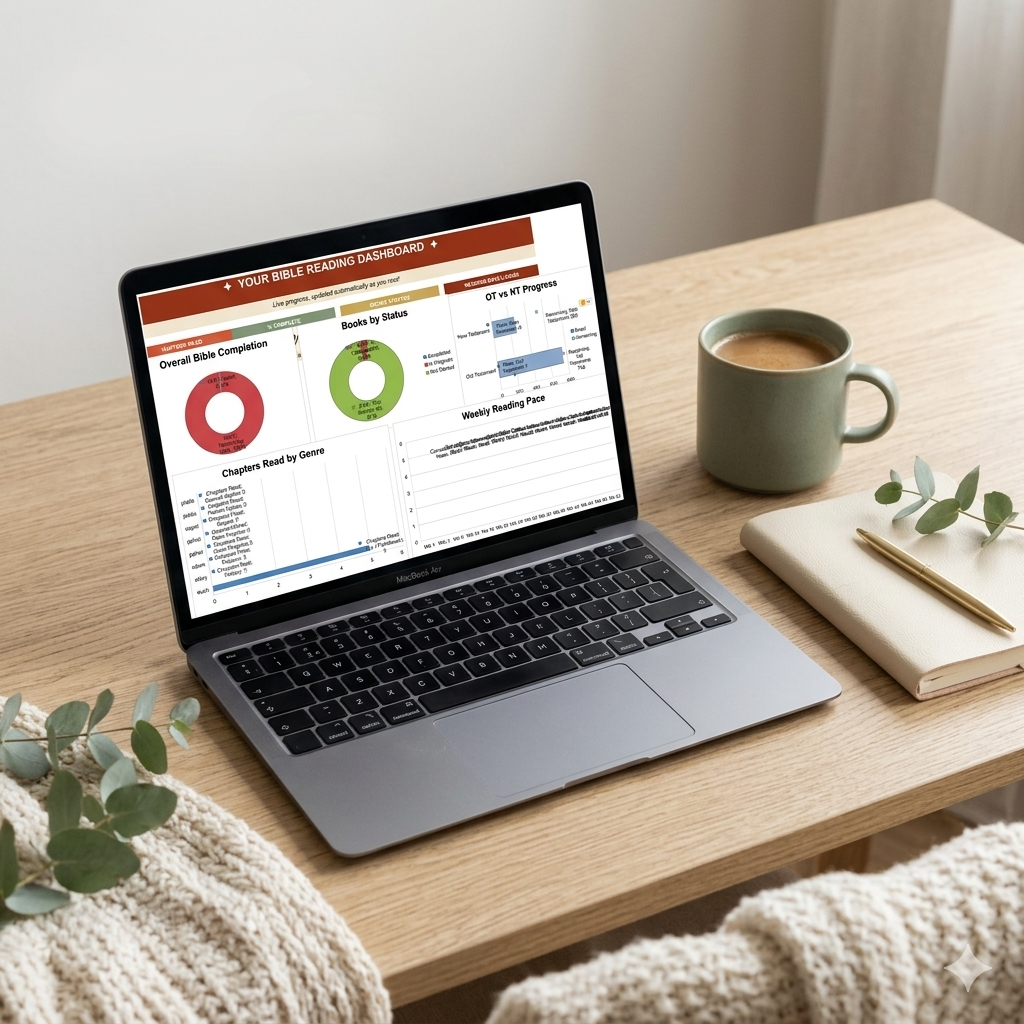
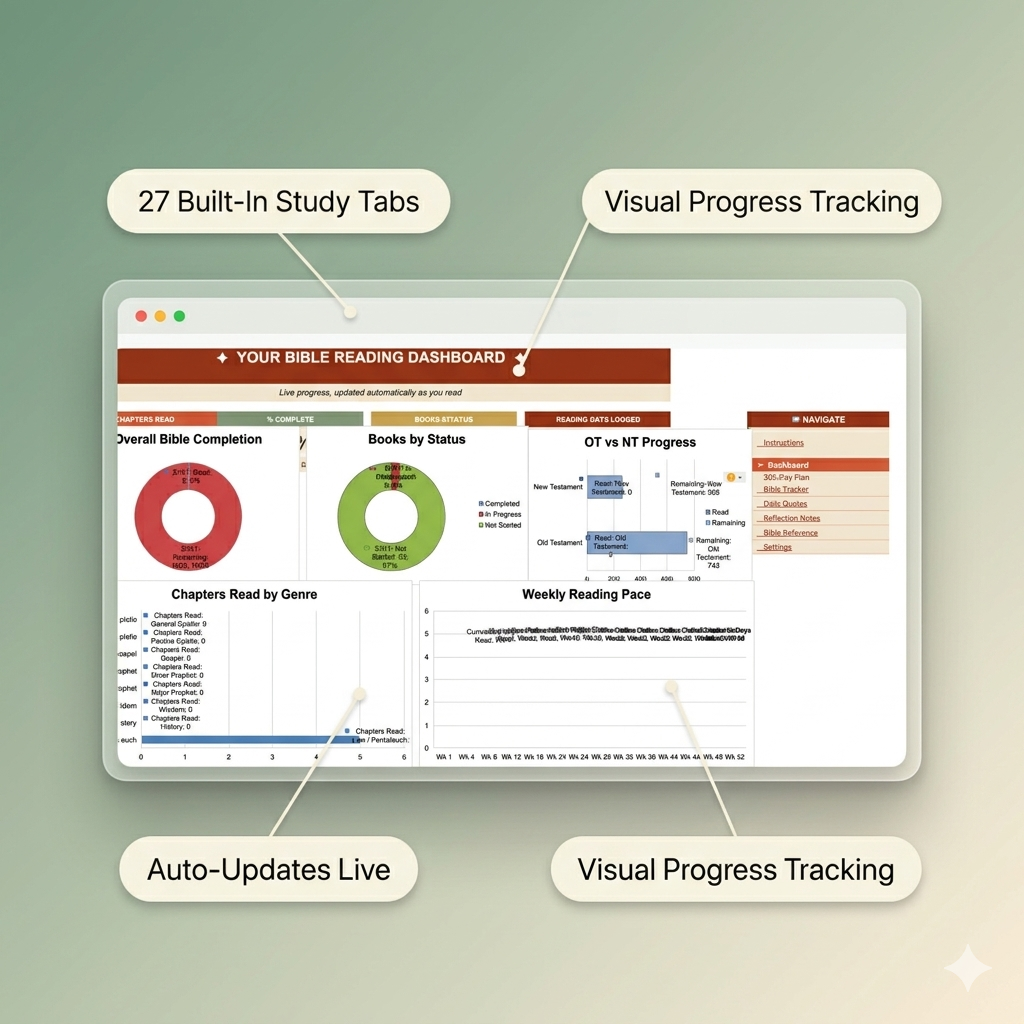
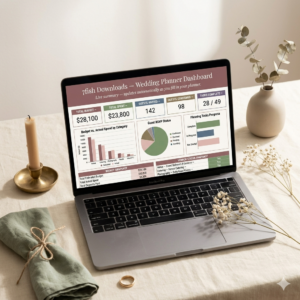
▸ Dashboard — Live progress charts that auto-update: chapters read, books completed, weekly reading pace, and overall percentage.
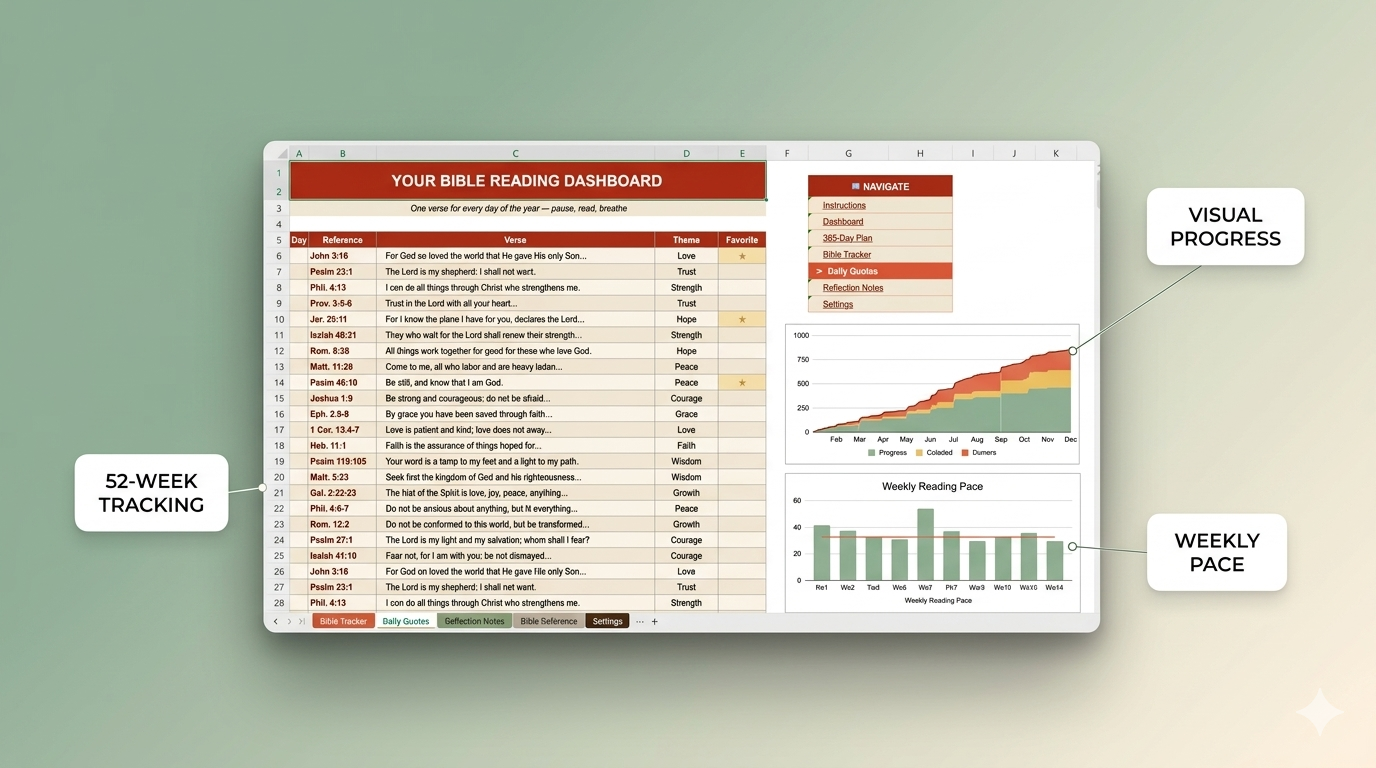
▸ 365-Day Reading Plan — A day-by-day schedule covering Old Testament, New Testament, and Psalms/Proverbs. Every row links directly to Bible Gateway — one click and you’re reading.
▸ Bible Tracker — All 66 books with chapter-by-chapter checkboxes. See exactly how far you’ve come in each book.
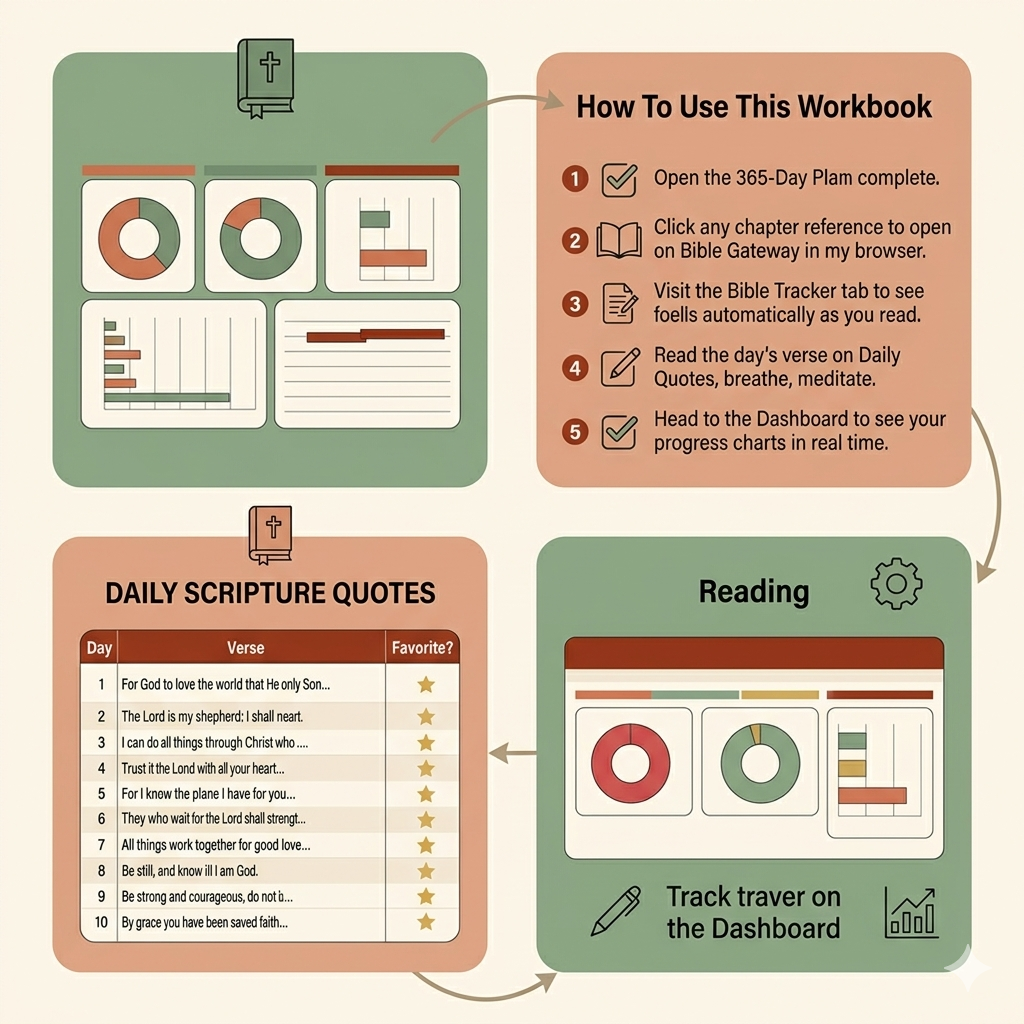
▸ Daily Quotes — 365 hand-curated Scripture verses with theme tags (Love, Trust, Hope, Peace, Courage, and more). Mark your favorites with a star.
▸ Reflection Notes — A built-in journal with fields for Date, Passage, What Stood Out, Application, Prayer, and Mood. Capture what God is saying to you.
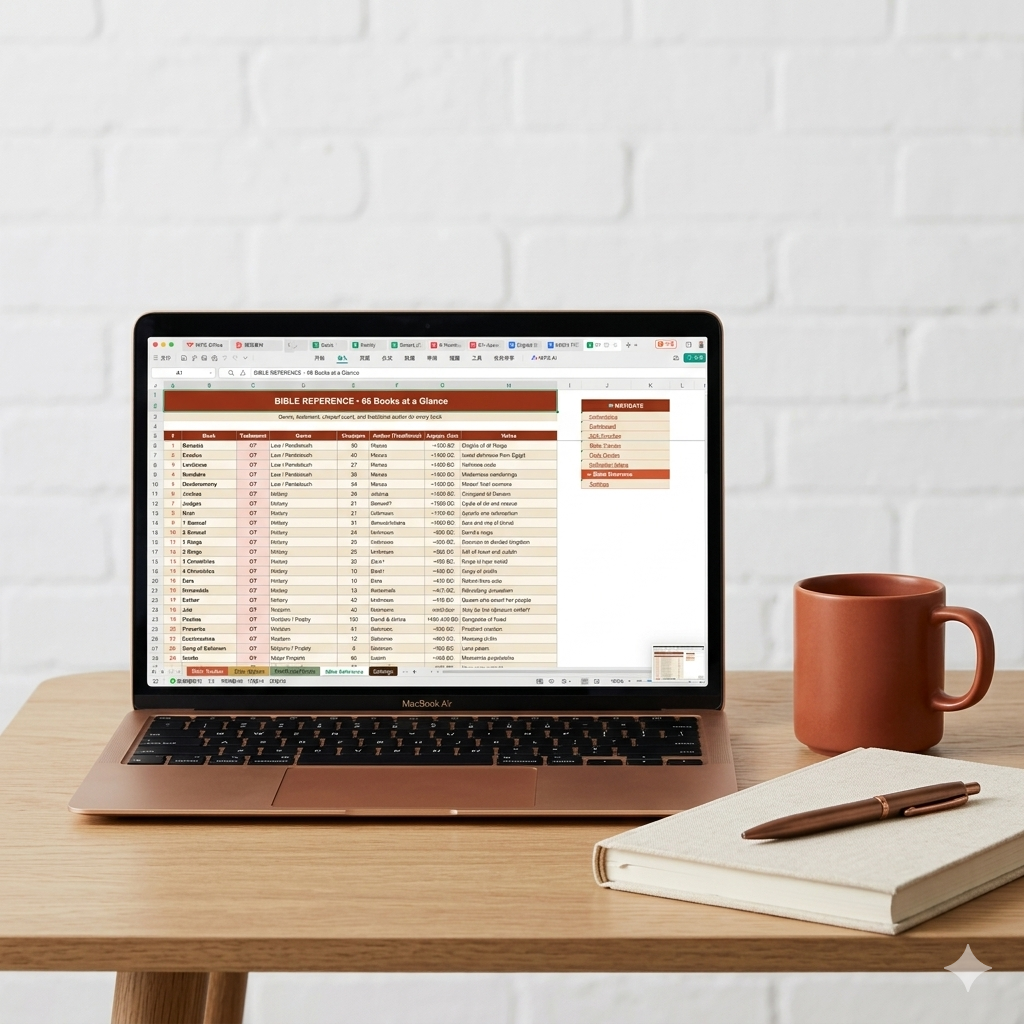
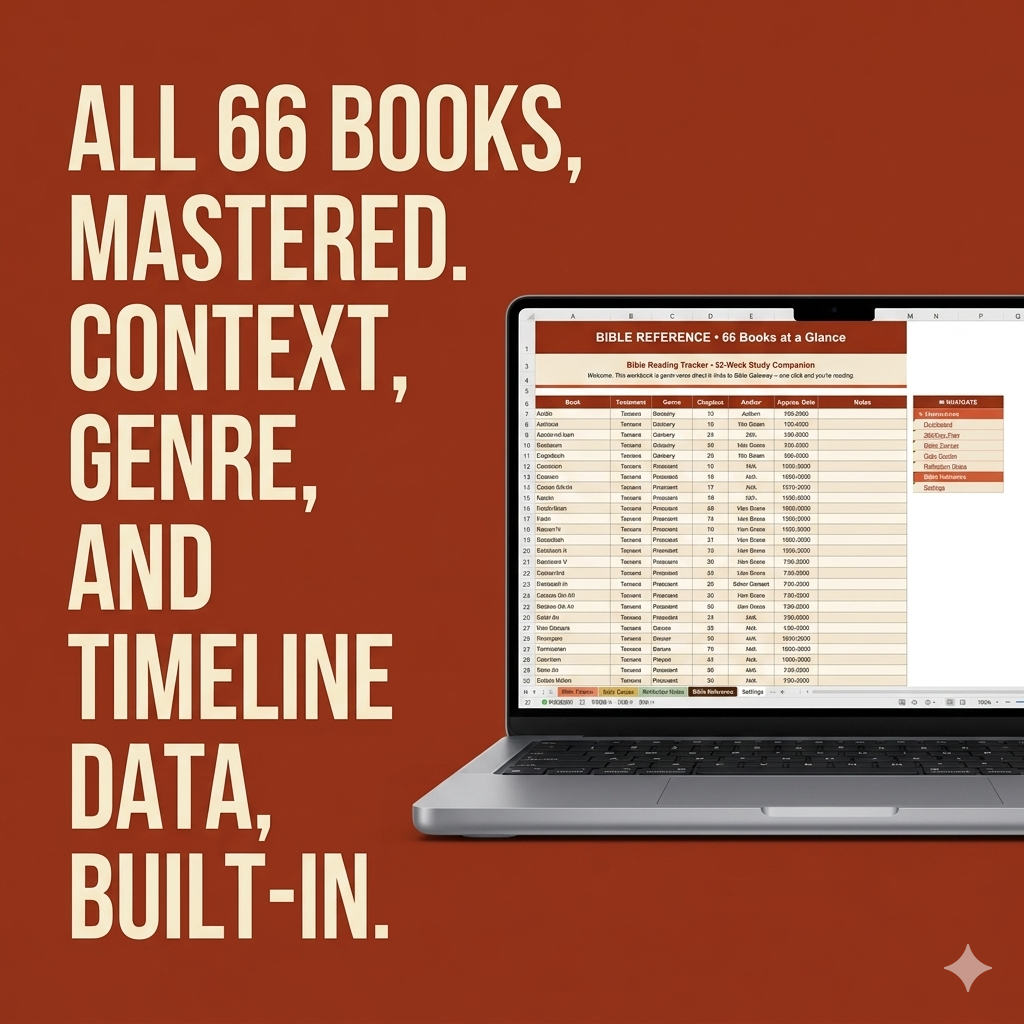
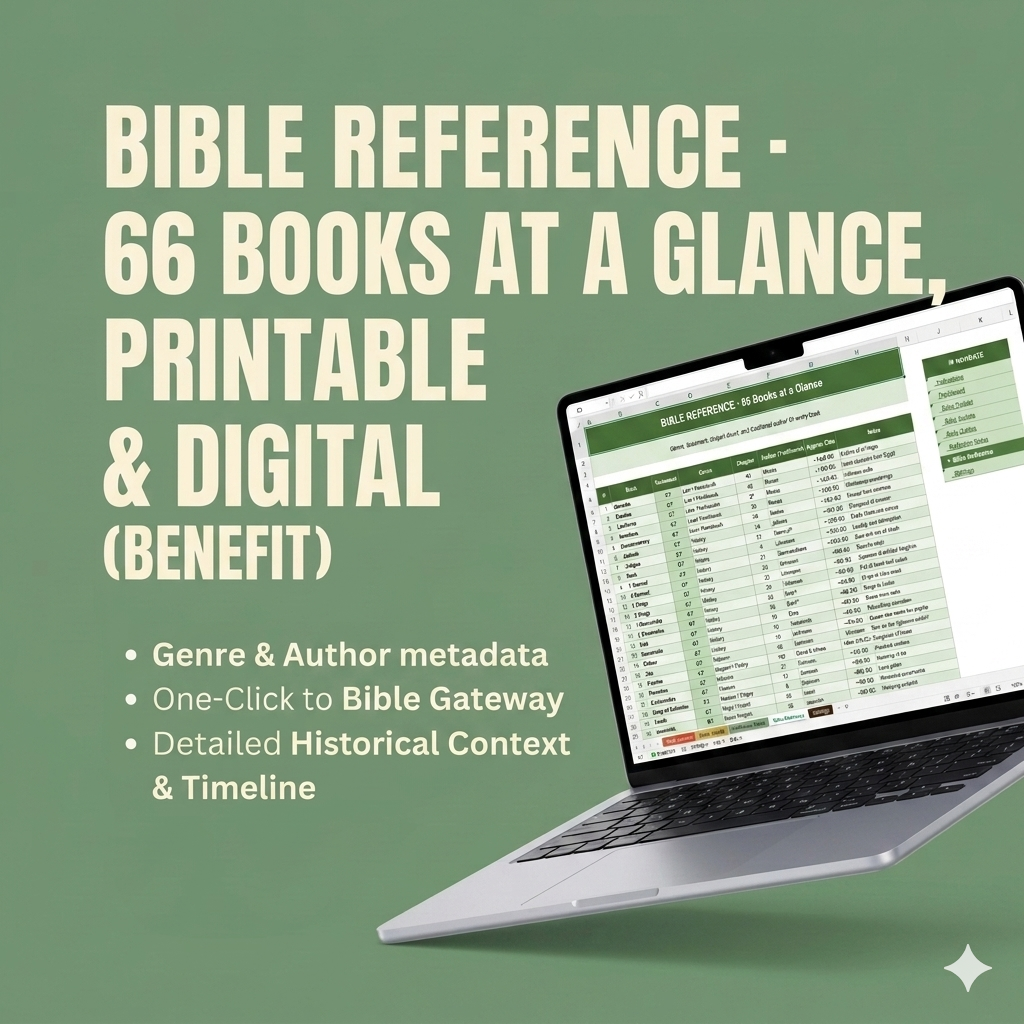
▸ Bible Reference — Quick-reference metadata for all 66 books: testament, genre, author, date, and a one-line summary.
▸ Settings — Personalize your name, start date, preferred Bible translation, and reading goal.
━━━━━━━━━━━━━━━━━━━━━━━━
✦ KEY FEATURES
✓ Works in Google Sheets, Excel, and WPS Office
✓ Bible Gateway hyperlinks for every single day
✓ Automated formulas — Dashboard updates as you read
✓ 66-book chapter tracker with auto-calculated progress
✓ 365 daily Scripture quotes with theme categories
✓ Reflection journal with guided prompts
✓ Dropdown lists for easy data entry
✓ Clean, warm design with earthy tones
✓ Includes a beautifully designed PDF User Guide
━━━━━━━━━━━━━━━━━━━━━━━━
✦ HOW TO USE
1. Download the .xlsx file and open in Google Sheets or Excel.
2. Go to the Settings tab — enter your name and preferences.
3. Start with Day 1 on the 365-Day Plan tab.
4. Click “Open ↗” to read the day’s passages on Bible Gateway.
5. Check off each day as you complete it.
6. Visit the Dashboard to see your progress grow!
━━━━━━━━━━━━━━━━━━━━━━━━
✦ PERFECT FOR
▸ Anyone wanting to read the Bible in a year
▸ Bible study groups and accountability partners
▸ New believers starting their Scripture journey
▸ Experienced readers tracking a fresh read-through
▸ A meaningful Christian gift for birthdays, baptisms, or New Year
━━━━━━━━━━━━━━━━━━━━━━━━
✦ IMPORTANT NOTES
▸ This is a digital download — no physical product will be shipped.
▸ You will receive an .xlsx file + PDF User Guide immediately after purchase.
▸ Compatible with Google Sheets (free), Microsoft Excel, and WPS Office.
▸ All formulas are pre-built. No spreadsheet experience needed.
━━━━━━━━━━━━━━━━━━━━━━━━
✦ FROM 7FISH DOWNLOADS
We create thoughtful digital tools for faith, productivity, and growth. If you have any questions, please message us — we’d love to help.
May your reading bear fruit. ✦
Reviews
There are no reviews yet.